Workspaces: Focus Without Losing Context
Modern infrastructure work rarely happens in a straight line.
You might be working on one host, checking logs on another, and waiting on a long-running command. Every task is important. Each one needs your attention, but not all at the same time.
Traditional terminal tabs are not helpful here. If you keep switching, focus breaks. If you close tabs, you might lose visibility. If you keep everything open, it will create noise.
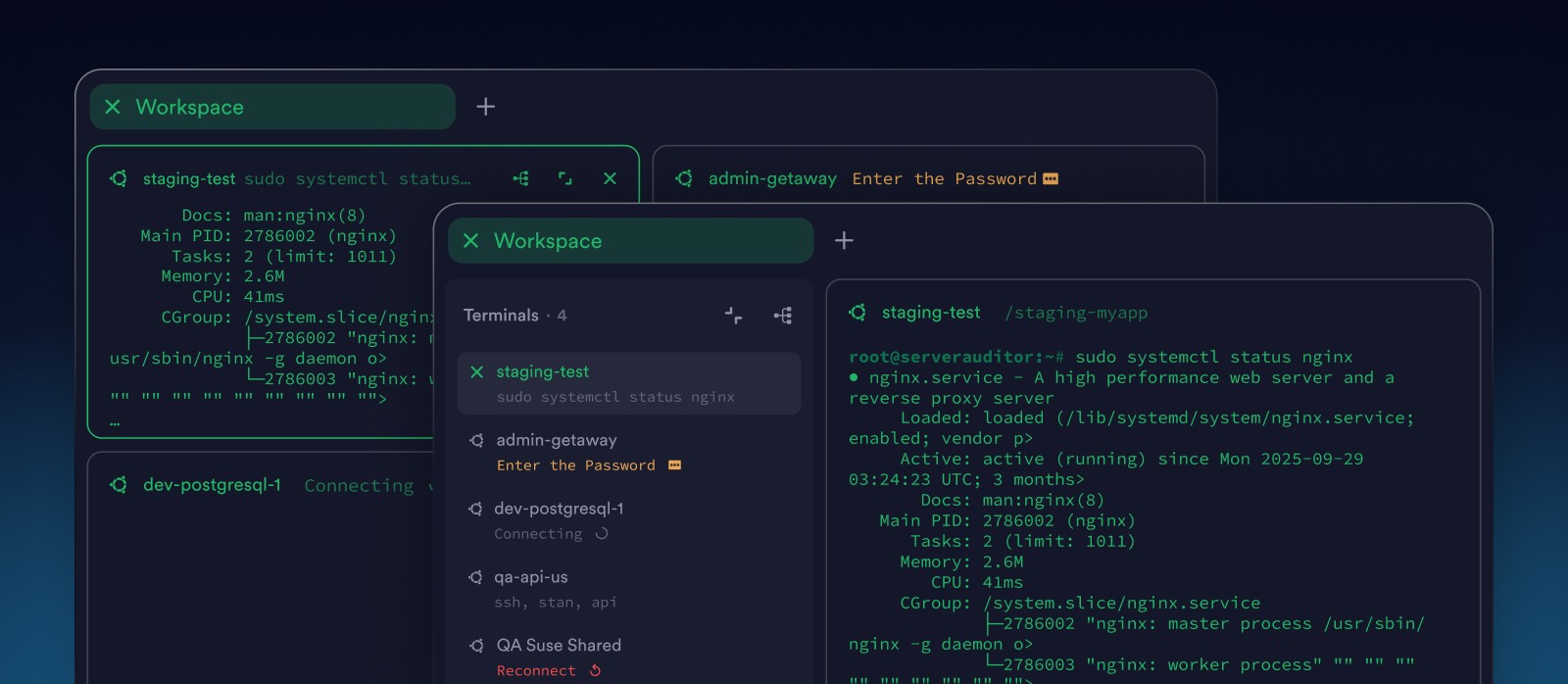
Good focus means you know where to look and when. That's why engineers want to have a clear structure. A way to group related work, reduce noise, and stay aware of what’s running in the background.
That’s the idea behind Workspaces.
Organize work by intent, not by tabs
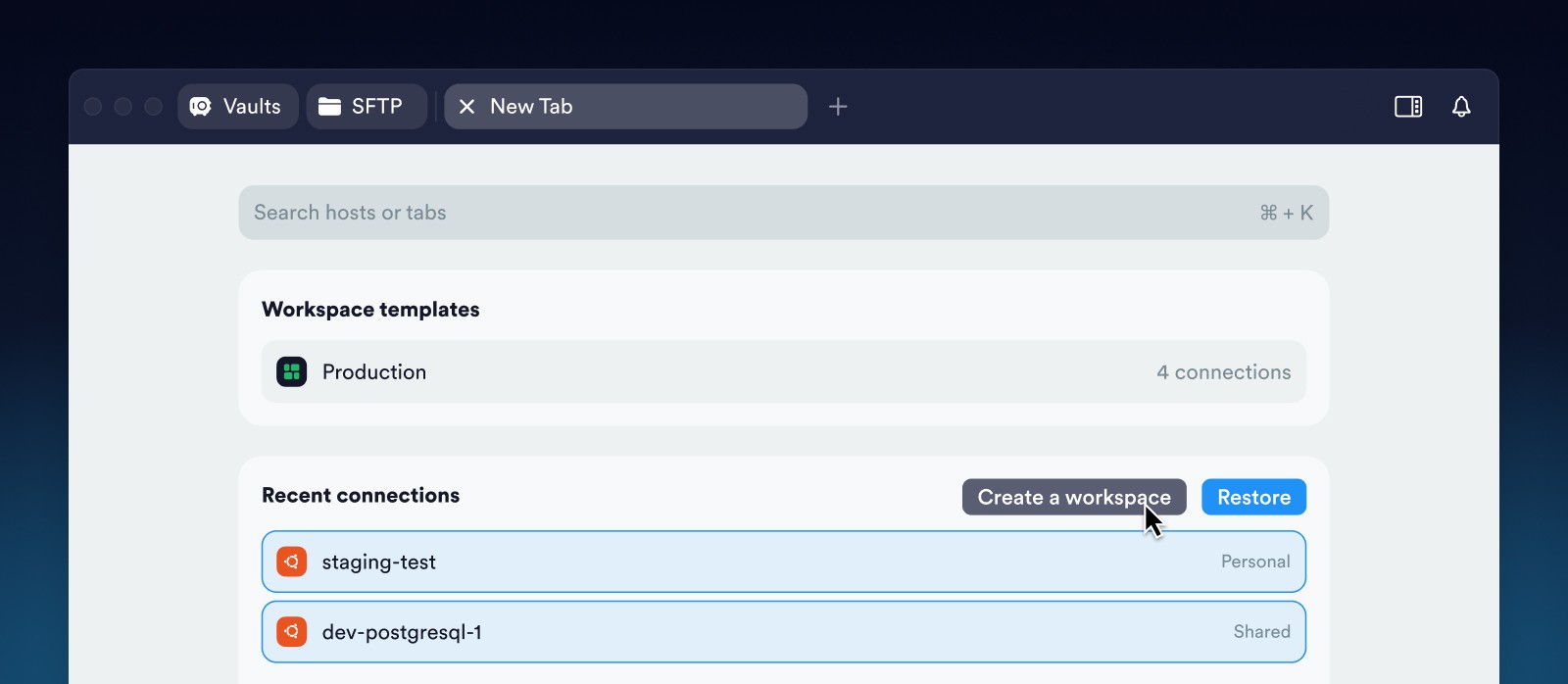
Instead of treating each connection as an isolated tab, Workspaces let you organize terminals by intent: a deployment, an incident, a feature rollout, or an investigation.
Create a Workspace from a New Tab by selecting recent connections. Termius opens them together, ready to work.
Focus mode: one task at the center
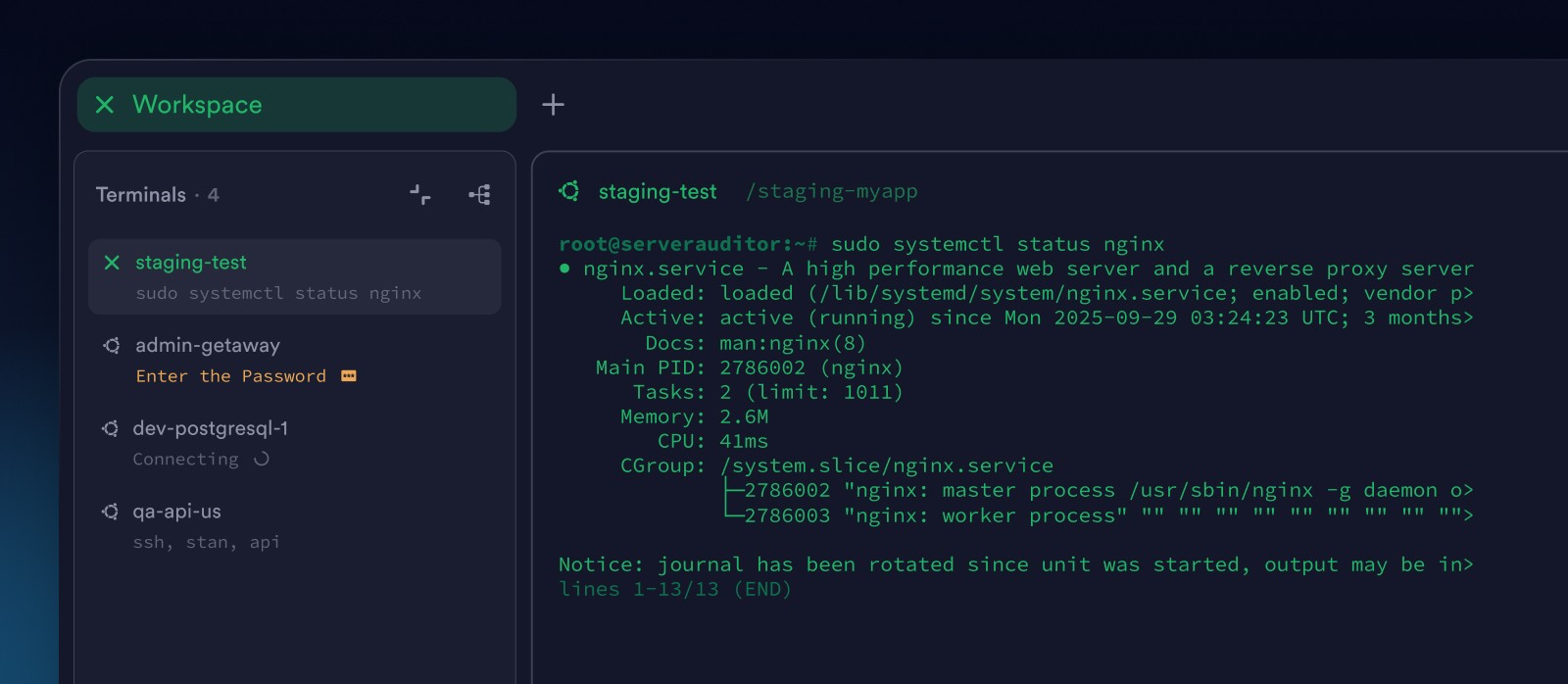
When a Workspace opens, it starts in Focus mode.
One terminal takes center stage. The rest stay visible in a side list – present, but not distracting.
When a background command finishes, its tab notifies you. You don’t have to keep checking or guessing.
If autocomplete is enabled, each terminal also shows its working directory and active command. You can see what’s happening at a glance, without switching views.
You stay focused without losing awareness.
Split view: everything in parallel
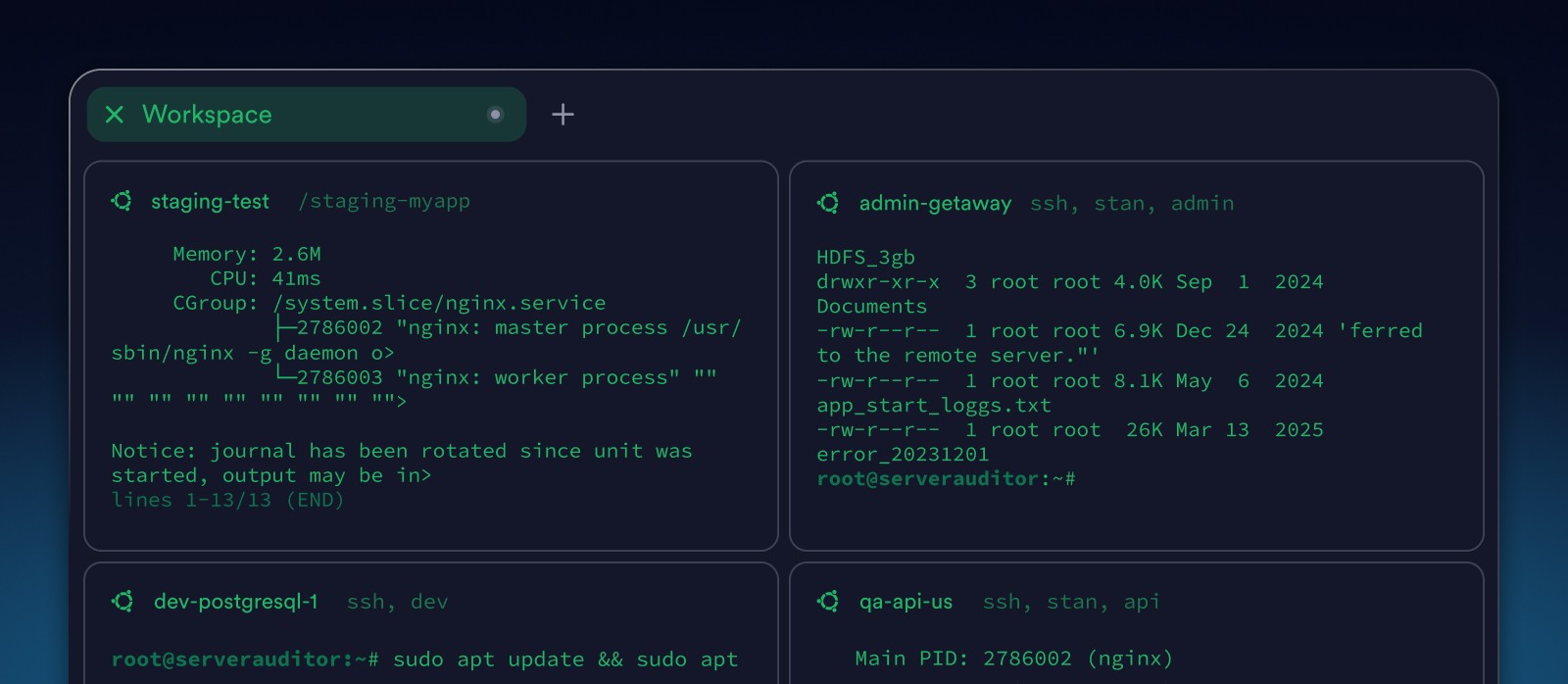
When awareness matters more than isolation, Split view gives you the full picture.
All terminals in a Workspace are visible on screen at the same time. You can resize them, move between sessions quickly, and keep every environment in view.
Watch logs, compare outputs, and track progress across hosts in real time. It’s ideal for investigations, rollouts, or coordinated changes.
Switch between Focus mode and Split view anytime.
The Workspace stays the same. Only your perspective changes.
Broadcast commands
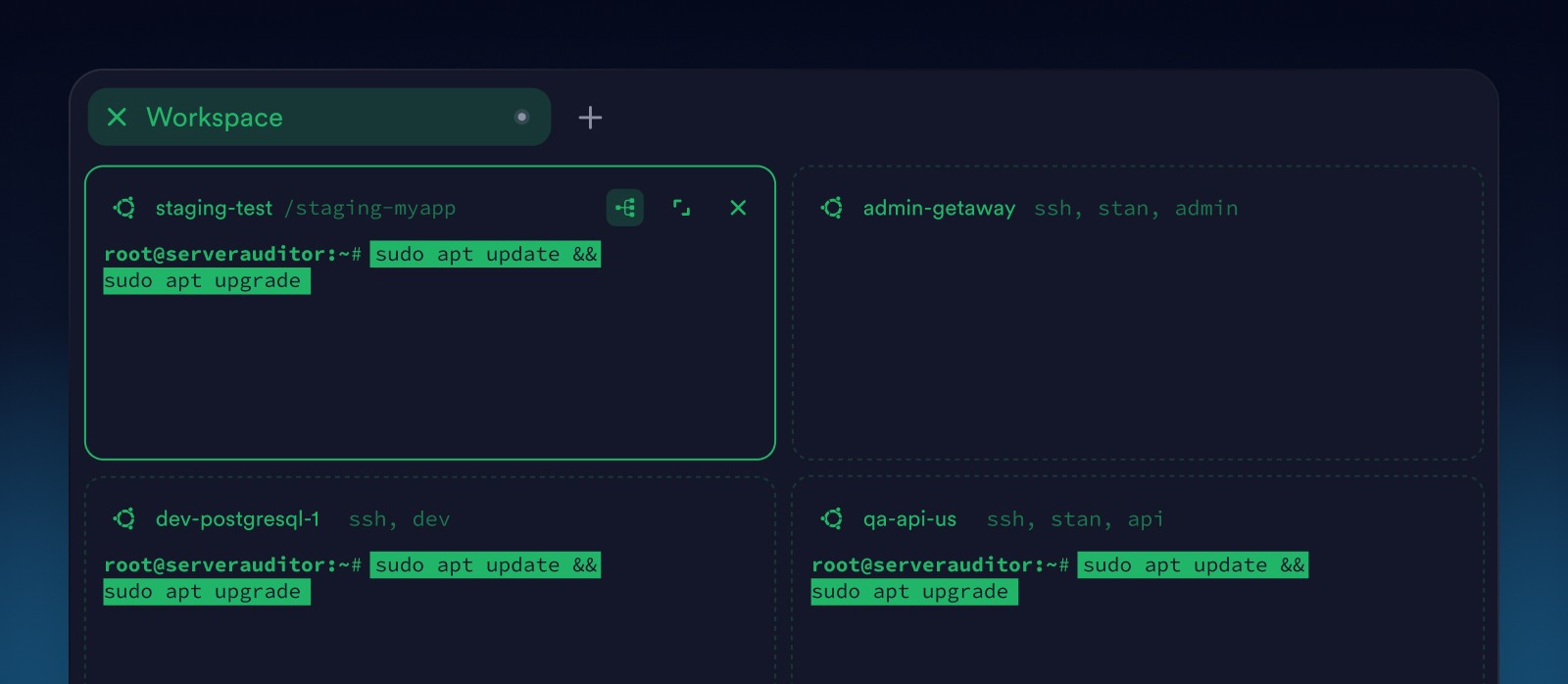
Some tasks need consistency.
With Broadcast, you can send a command to every terminal in a Workspace at once, whether you’re in Split view or Focus mode. Run checks, apply changes, or validate configs across multiple hosts at once.
One action. No misses.
Come back to the same environment
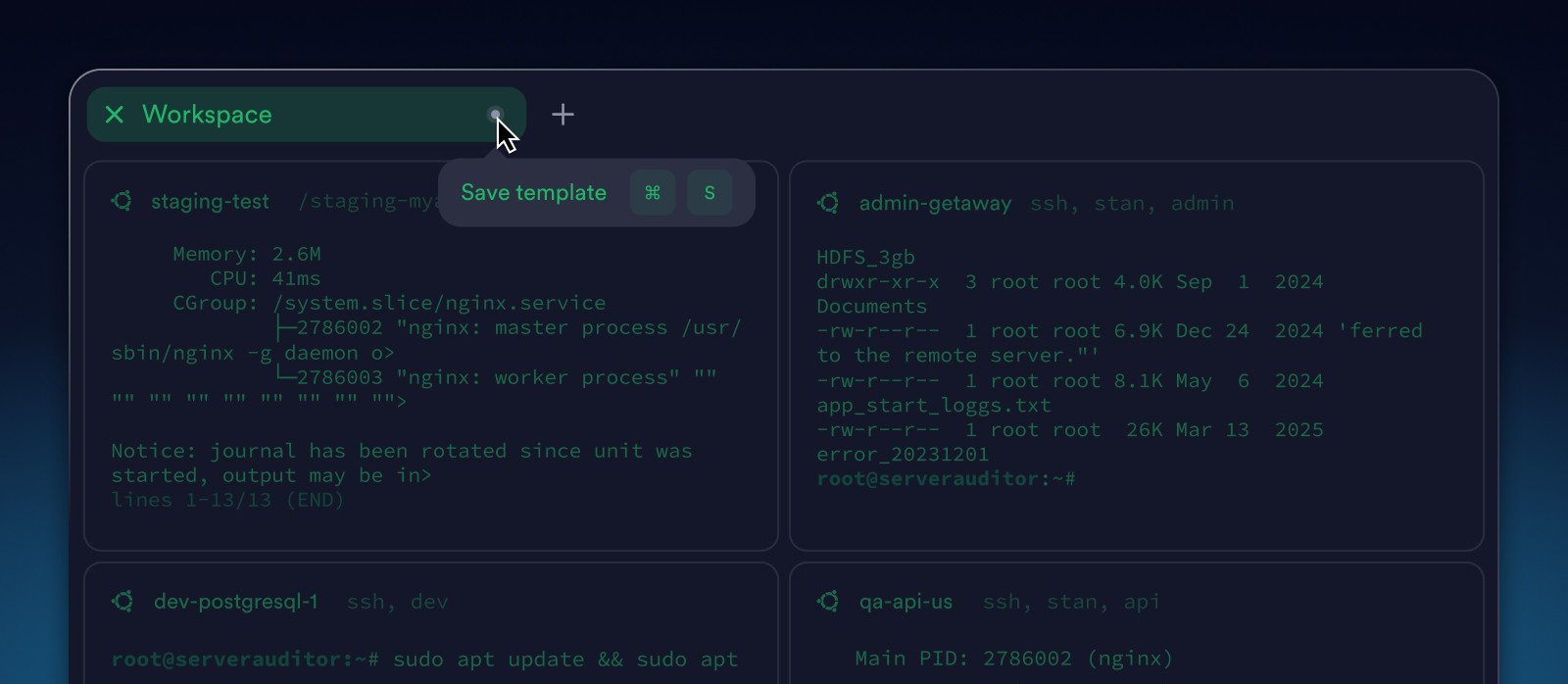
When your environment is set up just right, you shouldn’t have to rebuild it. Save a Workspace as a template and restore it later with one click.
Connections, working directories, and even running commands are all remembered. The next day, you pick up exactly where you left off.
Take control of your focus
Bring structure to your terminal work with Workspaces. Group related sessions, switch views as needed, and let Termius handle the complexity.
→ Explore Workspaces in Termius


Read more
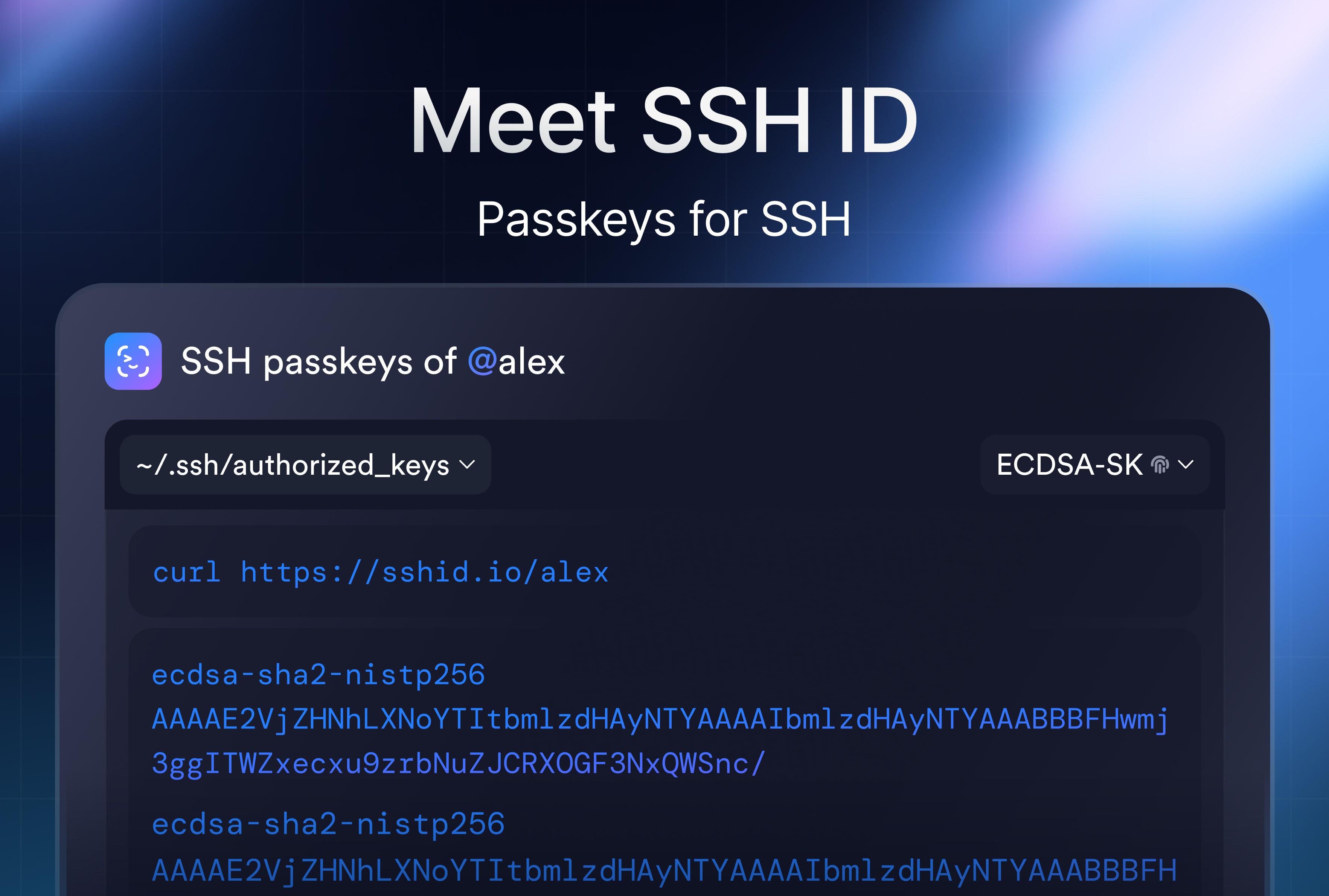
SSH ID – Passkeys for SSH
SSH ID is a passkey for SSH. This is a new tool inside Termius that combines the security of device-bound keys with the simplicity of sync.
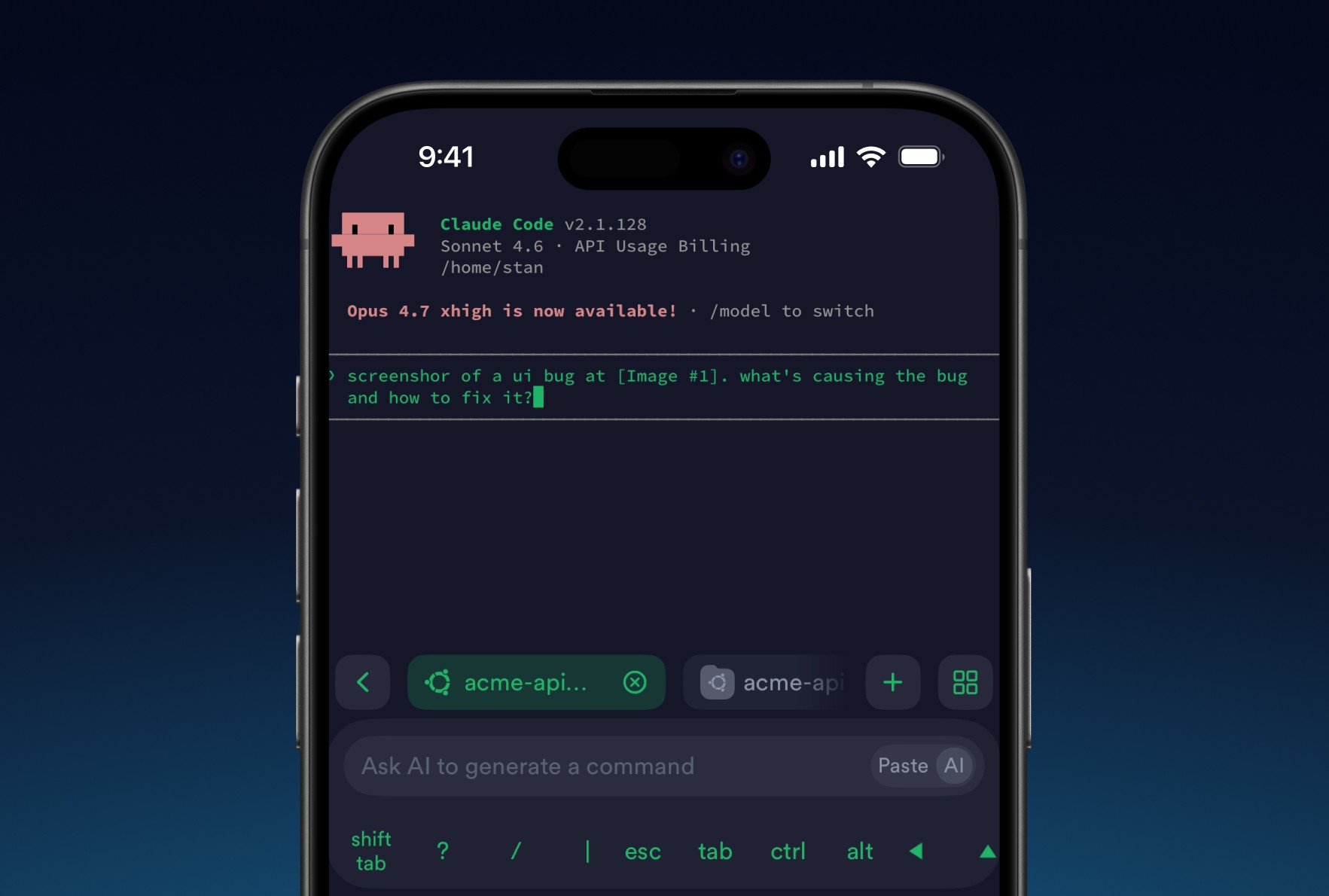
8 tips for using AI agents on mobile with Termius
Learn tips to improve your experience on your phone. Set it up once and your phone stops being a fallback and starts being a workstation.
Post-quantum cryptography
Termius has implemented post-quantum cryptography, ensuring your SSH sessions remain protected not just against today's threats but also against future attacks.